PixelForge — Sprite Sheet Maker & Pixel Art Studio
A downloadable xDaw Dev Tool
**PixelForge is the fastest way to go from a folder of images to an animated, engine-ready sprite sheet.**
Built for indie devs who ship. No subscriptions, no cloud, no telemetry — the app runs entirely in your browser, even offline.
### The workflow
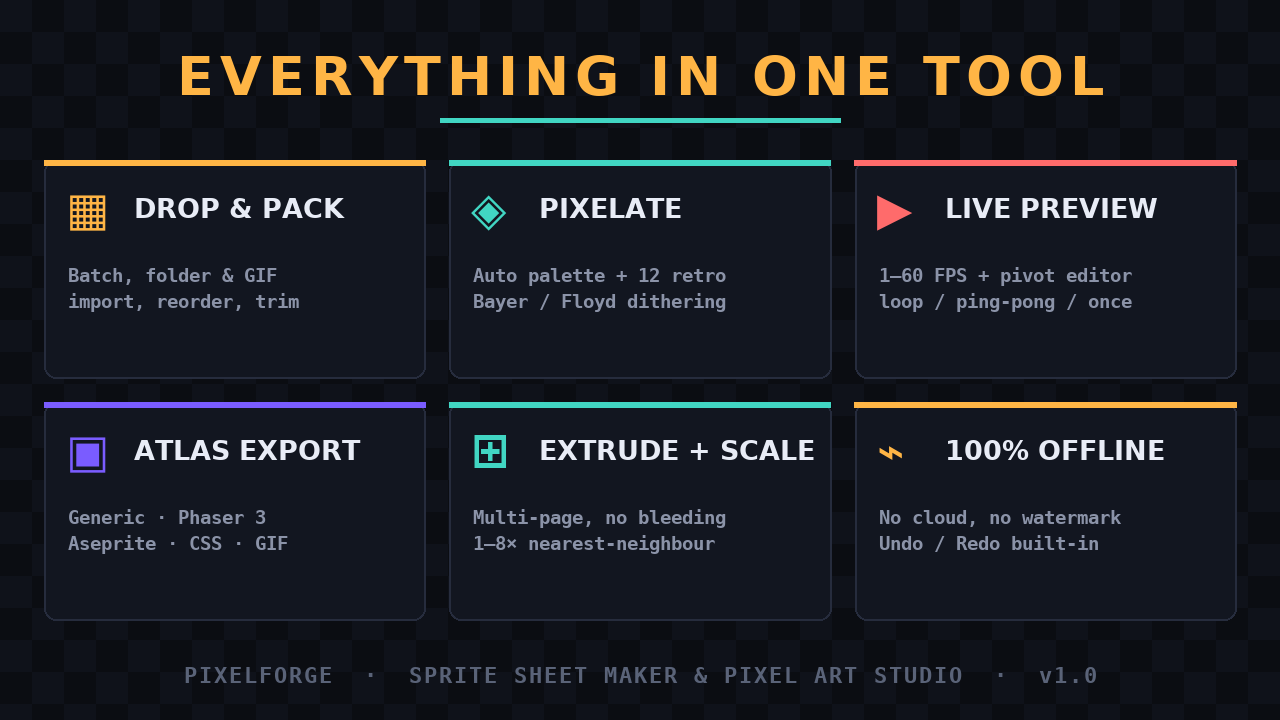
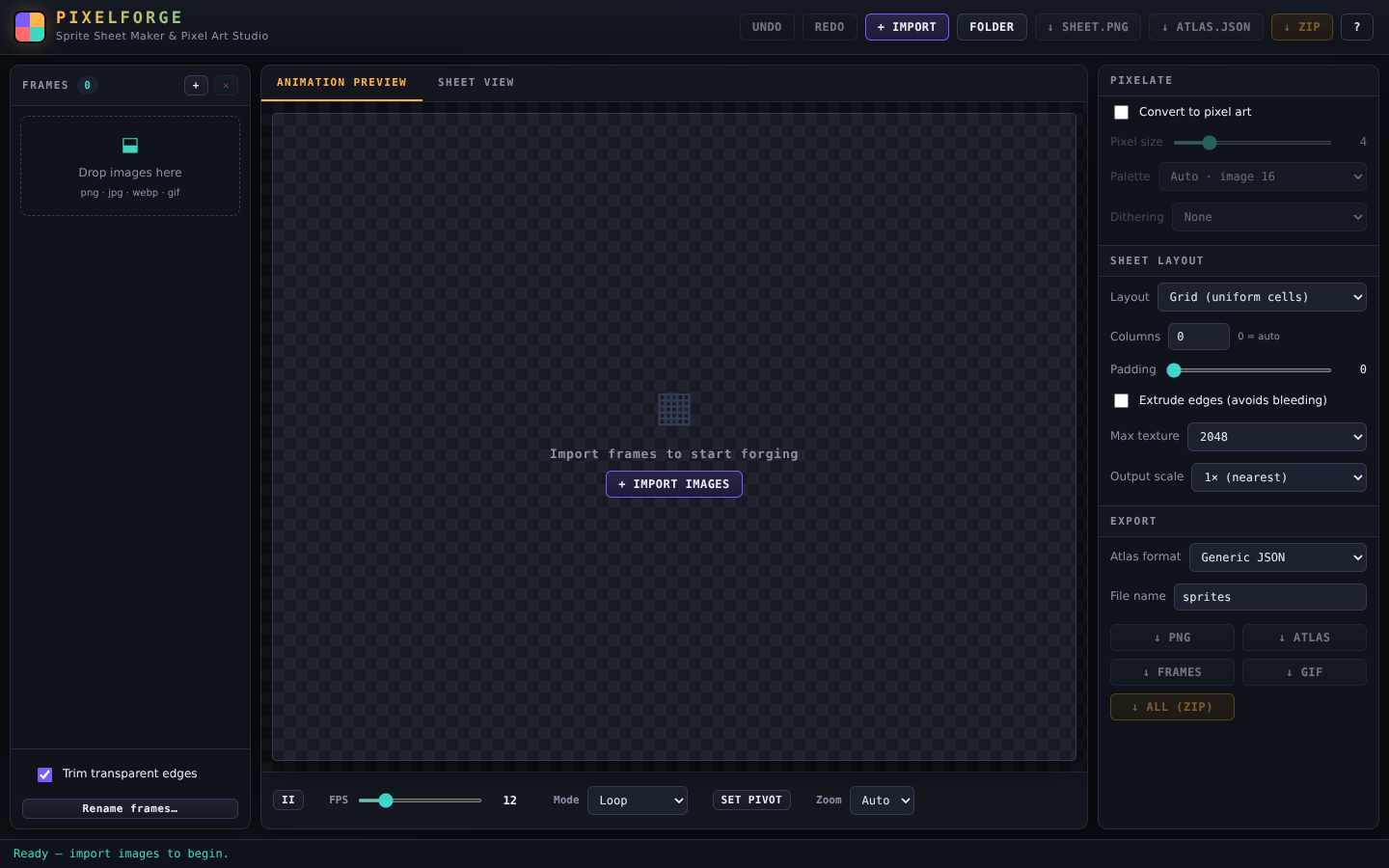
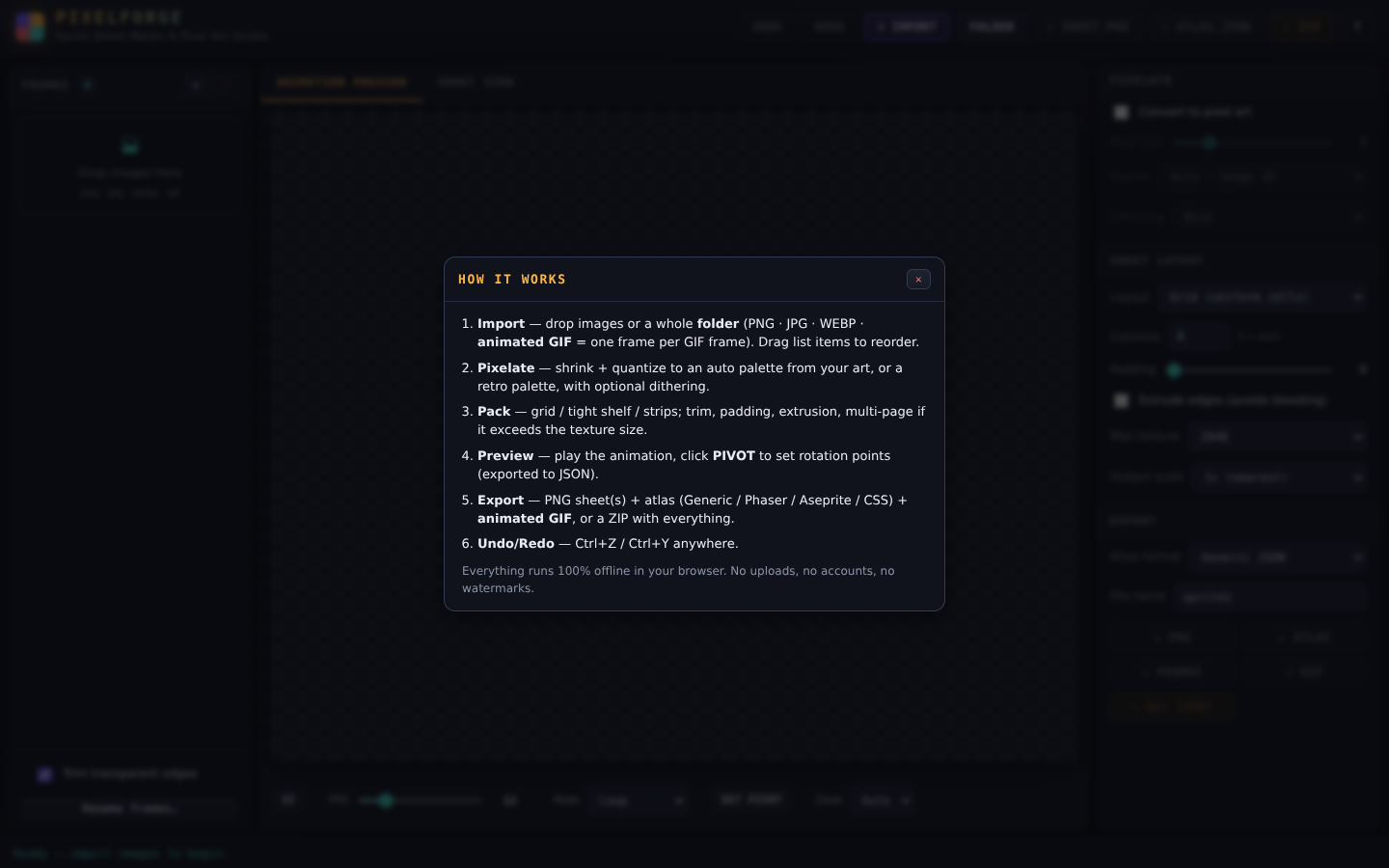
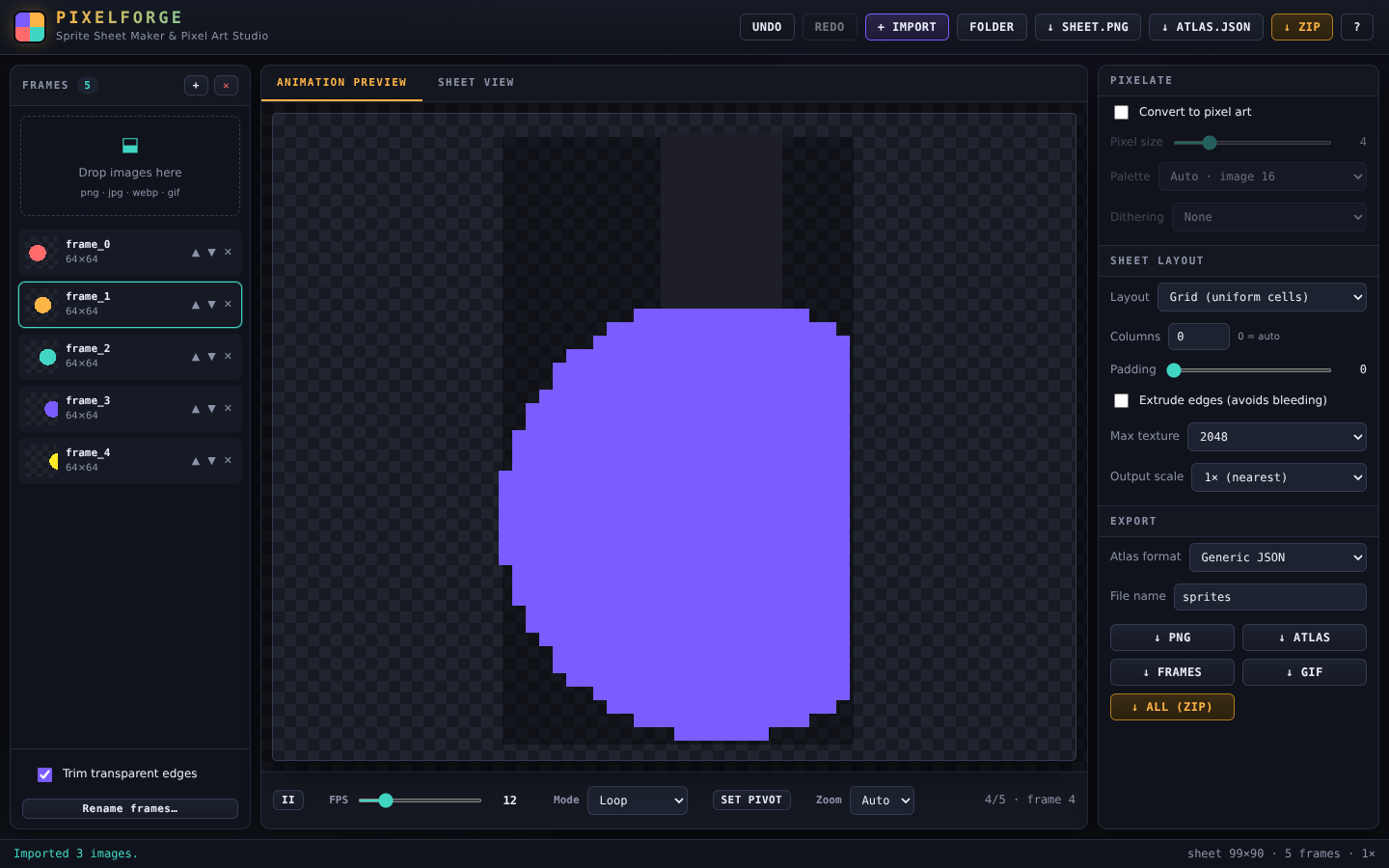
1. **Import** — drag & drop a batch of PNG/JPG/WEBP, a whole **folder**, or even an **animated GIF** (every frame + timing imported). Reorder frames by dragging, batch-rename in one click. Undo/Redo anywhere (Ctrl+Z / Ctrl+Y).
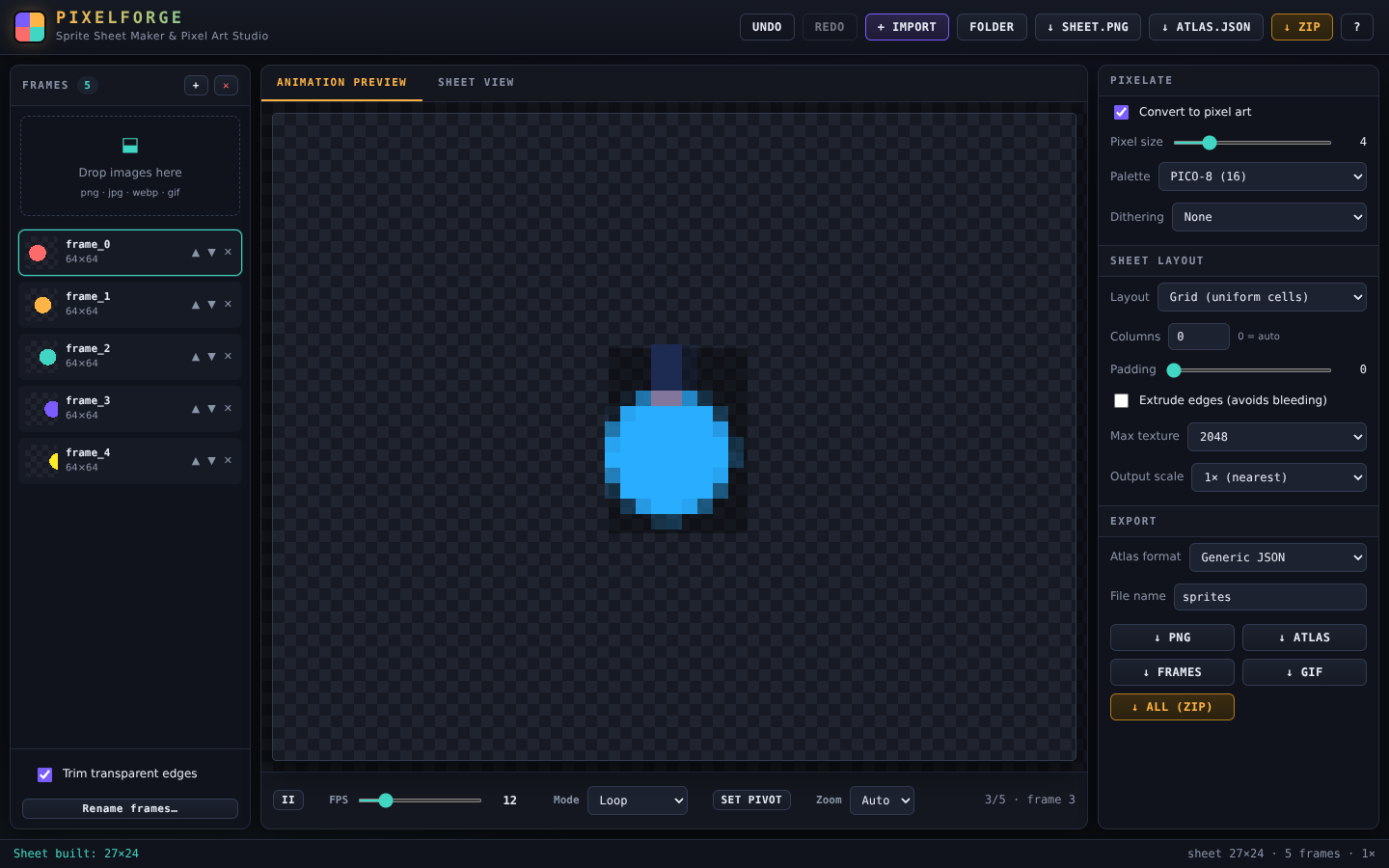
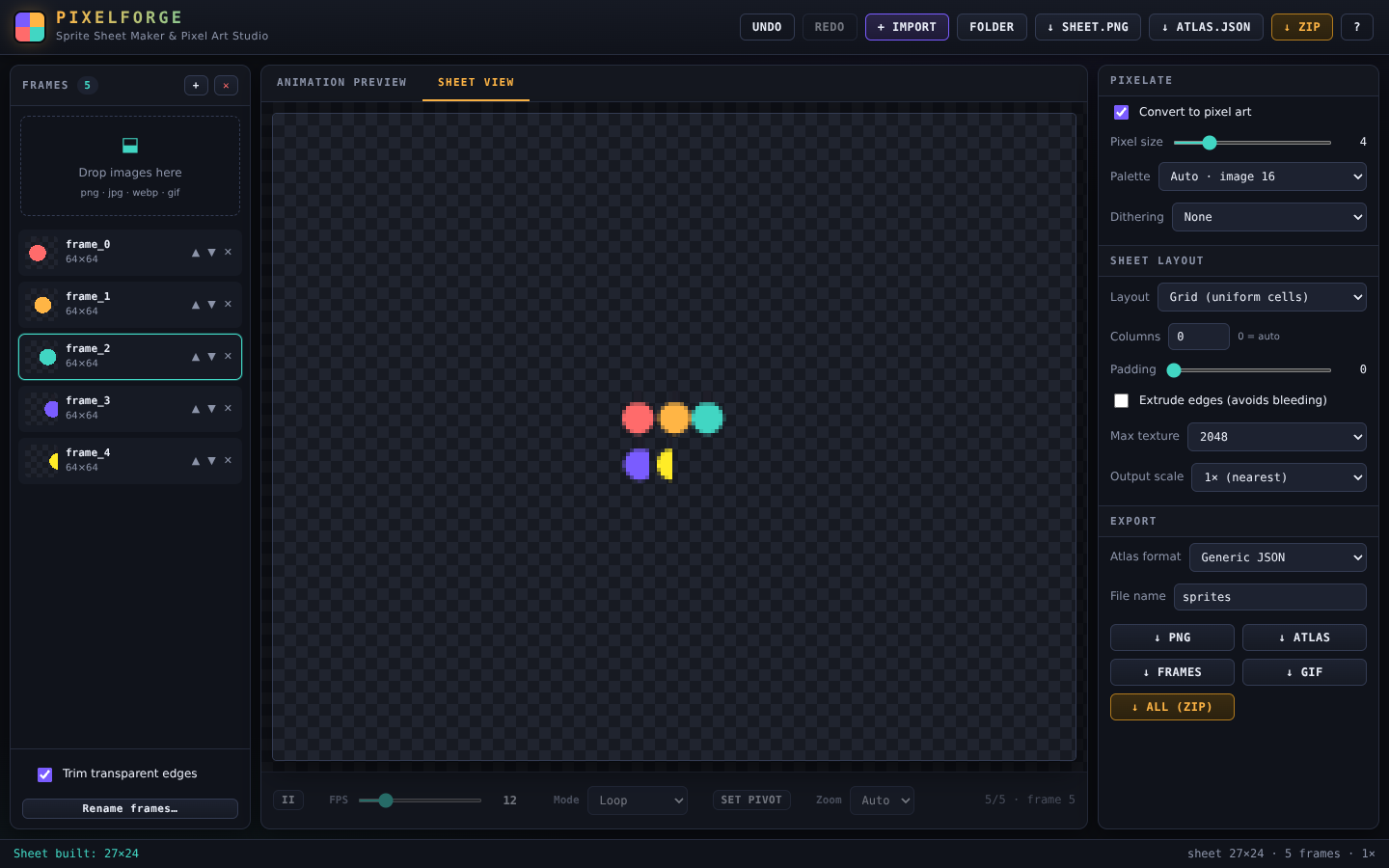
2. **Pixelate** (optional) — shrink any art to 1–16 px pixels and quantize it to a palette **extracted from your own art** (auto 8/16/32) or legendary retro palettes: Game Boy, PICO-8, Sweetie-16, DawnBringer, NES, C64, CGA… with Bayer or Floyd–Steinberg dithering.
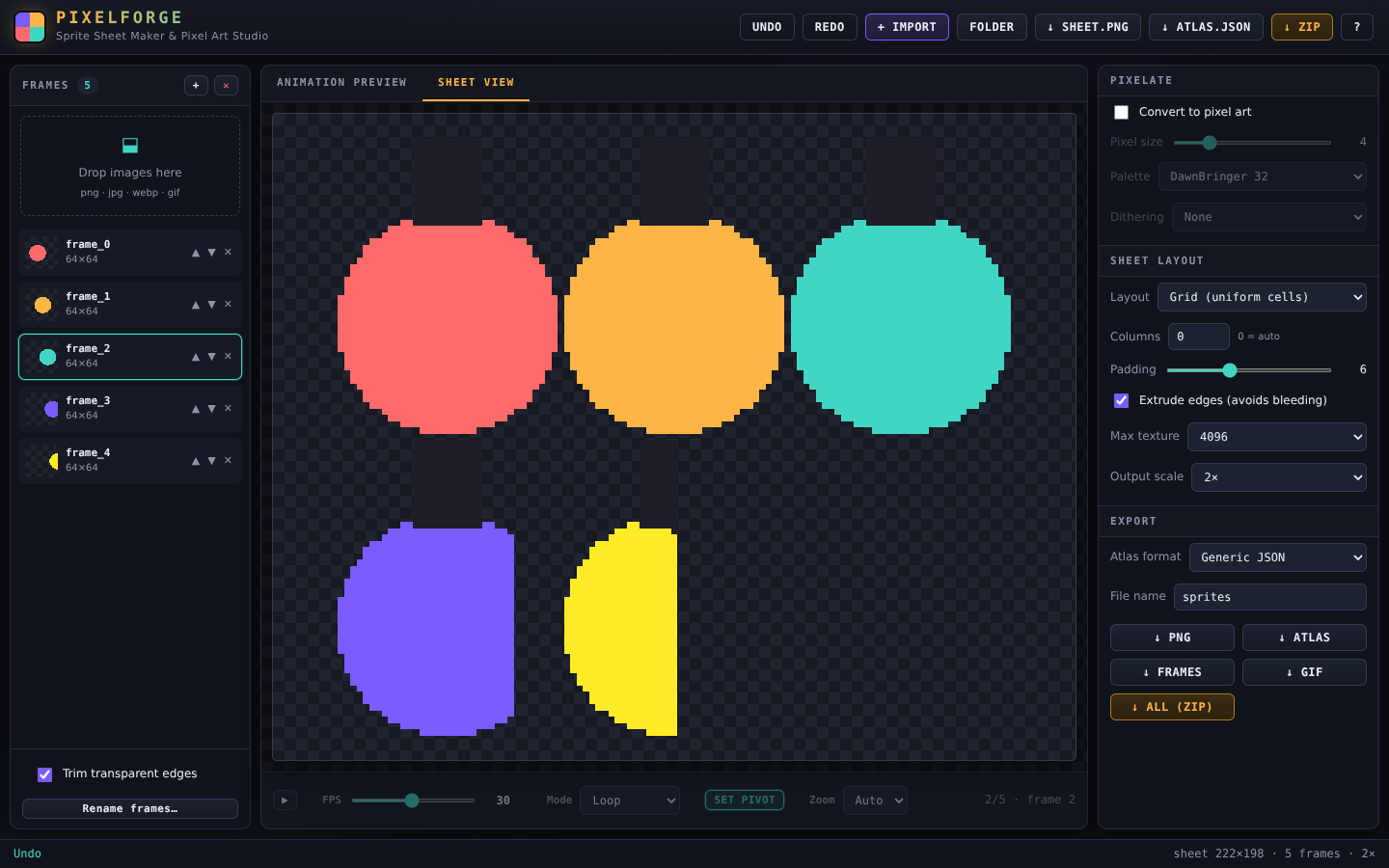
3. **Pack** — Grid, tight shelf, or strip layouts. Trim transparent edges, add padding, extrude edges (bye-bye texture bleeding), cap at 1024–8192 px (oversized sheets auto-split into **multiple pages**), export at 1×–8× nearest-neighbour scale.
4. **Preview** — hit play and watch your animation at 1–60 FPS, loop / ping-pong / once. Click **PIVOT** and click the sprite to place its rotation point — exported to your JSON.
5. **Export** — one click for:
- sprites.png — the sheet (one file per page)
- atlas JSON — **Generic**, **Phaser 3** or **Aseprite** format, with pivot points
- **CSS sprite** classes for web games
- **animated GIF** of your preview (respects FPS & imported timing)
- individual trimmed frames
- everything in one ZIP (GIF included)
### Why PixelForge?
- **Everything offline** — your art never leaves your machine.
- **Zero setup** — open index.html, done. Works from a USB stick.
- **Pixel-perfect** — nearest-neighbour everywhere, integer output scales, optional edge extrusion.
- **Engine-ready** — imports cleanly into Phaser, Aseprite, Godot, Unity (via generic JSON), Construct, GameMaker and plain CSS.
- **Free updates** — pay once, get the 1.x line.
### FAQ
**Q: Do I need to install anything?**
No. It's a single folder — open the HTML file in any modern browser.
**Q: Can I use the sprites in commercial games?**
Yes. Outputs are yours, royalty-free, forever. See the EULA.
**Q: Does it work with Aseprite / Phaser / Godot?**
Yes — export the matching atlas format (Aseprite JSON, Phaser 3 JSON, or Generic JSON which most engines accept).
**Q: GIF support?**
Animated GIF imports bring in every frame with its timing. You can also export an animated GIF of your packed sheet directly.
**Q: Refunds?**
Digital goods — if it doesn't open or you're unhappy, message me and I'll sort it out.
Purchase
In order to download this xDaw Dev Tool you must purchase it at or above the minimum price of $5.99 USD. You will get access to the following files:
Leave a comment
Log in with itch.io to leave a comment.